We Built 6 Free Tools for Digital Signage — Here's What's in the Box
Why the SeenLabs team spent months building calculators and audits that anyone can use for free
The Problem We Kept Running Into
Every time our team talked to restaurant operators or retail managers about digital signage, the same questions came up:
- "What's this actually going to cost me over 5 years?"
- "Is my current menu board setup hurting sales?"
- "Digital vs static — which makes sense for my situation?"
And every time, the answer was: "It depends. Let us build you a spreadsheet."
We got tired of that. So we built the spreadsheets once, properly, and put them online for anyone to use.
What We Made
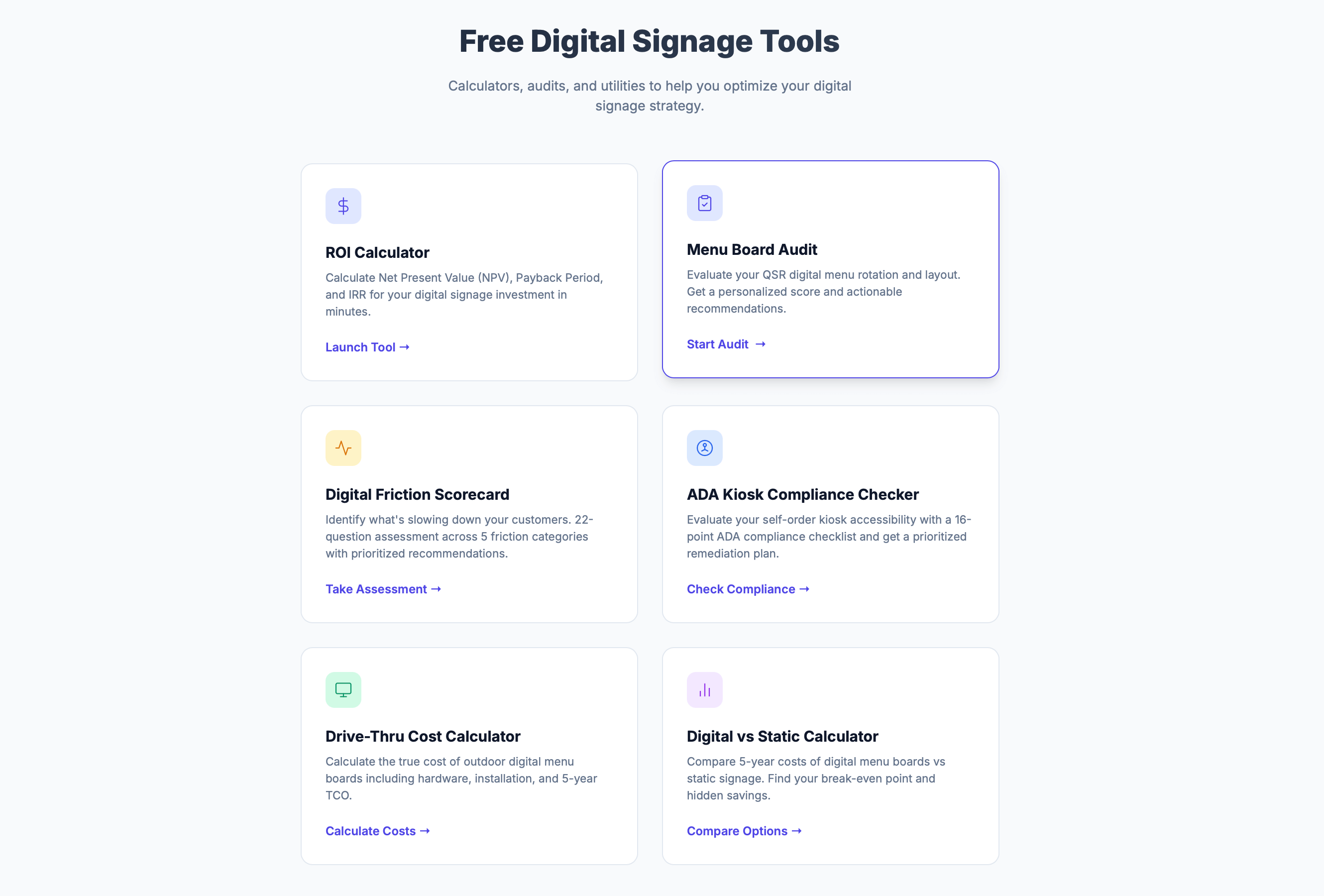
Six tools, all free, all at tools.seenlabs.com:
1. ROI Calculator
The one we use most with prospects. NPV, Payback Period, IRR — real financial metrics, not just "digital signage is great" marketing.
You pick your industry, number of locations, and toggle which benefits apply to you (sales lift, print savings, labor, ad revenue). It spits out a PDF you can take to your CFO.
2. Menu Board Audit
5 minutes, 100-point score. Evaluates rotation timing, CMS capabilities, layout quality, hardware health.
We based the scoring on patterns we've seen in actual deployments — things like "if your menu rotates faster than 15 seconds, customers are definitely missing items."
3. Friction Scorecard
22 questions across 5 categories: visual friction, physical/hygiene, UI/UX, technical issues, trust & access.
The output is a priority matrix. "Fix this first. Schedule this. This can wait." That's more useful than just a score.
4. ADA Compliance Checker
This one comes with a giant disclaimer because we're not lawyers. But it walks through 16 checkpoints based on ADA requirements for kiosks — reach heights, screen reader support, timeout settings, etc.
It's not a substitute for a professional audit. It's a starting point to figure out where you might have gaps.
5. Digital vs Static Calculator
The honest comparison tool. Enter your reprint frequency, staff labor costs, and it calculates the 5-year TCO for both options.
Sometimes static wins. If you change your menu once a year, digital probably doesn't make financial sense. The tool will tell you that.
6. Drive-Thru Cost Calculator
Outdoor digital is expensive. This tool breaks down why: brightness levels, weatherproof enclosures, installation complexity.
Configure your lanes, screen counts, and options. Get Year 1 cost plus 5-year TCO.
How We Built Them
Nothing fancy:
- Vanilla JavaScript — no React, no Vue, just JS that works
- Chart.js for visualizations
- jsPDF for downloadable reports
- Real-time updates (every slider change recalculates instantly)
We optimized for speed and simplicity. If a tool takes more than 30 seconds to load, nobody's using it.
Why Give Them Away?
Honestly? Self-interest dressed up as generosity.
The tools bring in organic search traffic. People use them, some percentage want help with implementation, they reach out. It's a better funnel than cold emails.
But also — these calculators should exist. The digital signage industry is full of vendors who won't give you pricing without a 45-minute sales call. That's annoying. We wanted to be the opposite of that.
What's Next
A few things we're working on:
- Excel export (some people just want a spreadsheet)
- White-label versions for partners
- Maybe AI-generated recommendations — still figuring that out
Try Them
All free, no signup required:
If something's broken or you have feedback, let us know: seenlabs.com/contact
I'm Vahagn, founder of SeenLabs. I write about digital signage, building tools, and occasionally SEO. More at tervahagn.com.